Laptop & Desktop Computer Repair in Nairobi — Common Faults, All Brands & IT Support Guide
A broken laptop screen, a desktop that won't boot, or a computer running so slowly it's unusable — these problems cost you time and money every hour they go unresolved. Quelle Technologies Limited provides fast, professional laptop and desktop repair across Nairobi, with most faults diagnosed and fixed the same day. This guide covers every common computer fault we fix, the brands we service, and how to get your device back up and running fast.
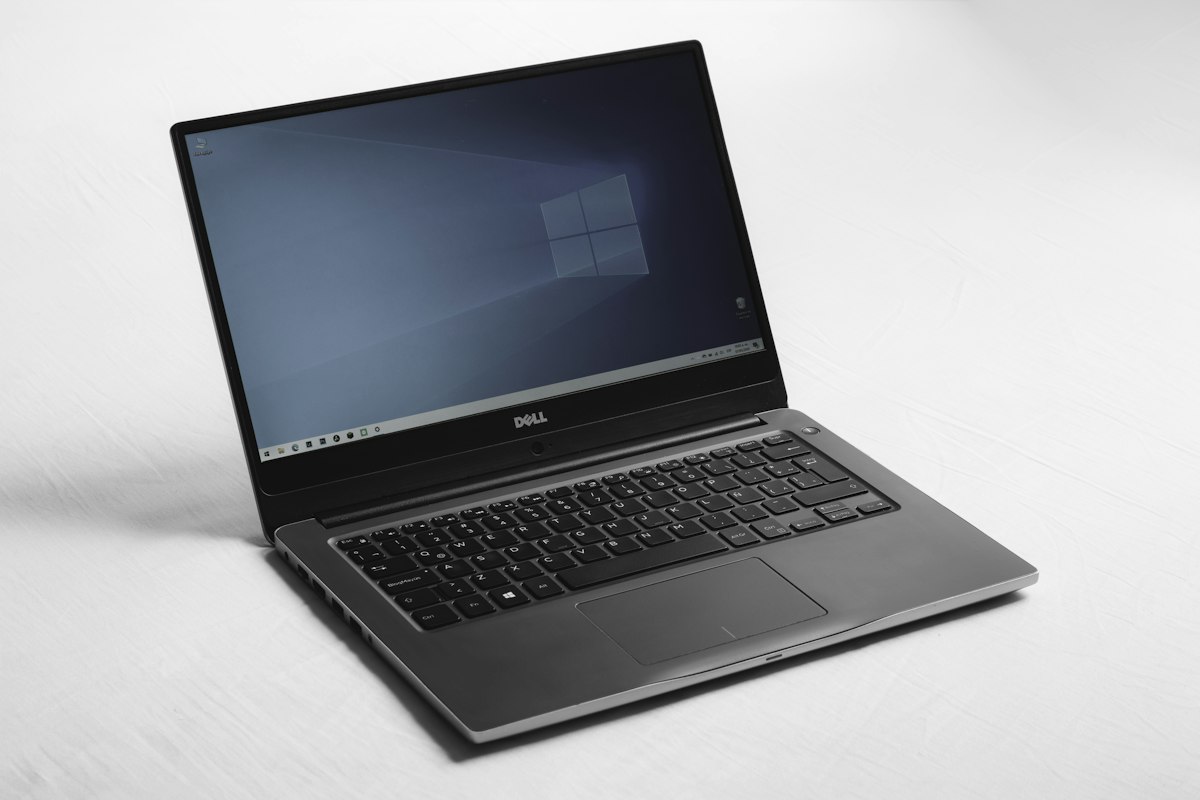
Professional laptop & desktop repair in Nairobi — Quelle Technologies Limited · 0742 245720
1. Devices We Repair in Nairobi
We repair all types of personal and business computers — from home laptops to office desktop workstations and commercial servers.
Laptops
All makes — Windows, MacBook, Chromebook
Desktop Computers
Tower, all-in-one, mini PC units
Workstations
High-performance office and CAD workstations
Printers
Inkjet, laser, all-in-one printer repair
Tablets
iPad, Android tablets — screen and charging faults
Servers
Small business servers — hardware and OS faults
 Laptop Repair — All Brands
 Desktop & Workstation Repair
 Component-Level Hardware Repair
2. Common Laptop Faults We Fix in Nairobi
These are the laptop problems our technicians repair most frequently across Nairobi homes, offices, schools, and businesses.
a) Broken or Cracked Laptop Screen
A cracked, black, or flickering screen is one of the most common laptop repairs in Nairobi. We replace screens for all laptop brands, usually same-day.
| # | Fault | Fix |
|---|---|---|
| 1 | Cracked or physically broken screen panel | Full LCD/LED panel replacement — we stock screens for HP, Dell, Lenovo, Asus, and Acer |
| 2 | Screen completely black but laptop is on | Test with external monitor; check backlight, inverter, or display cable connection |
| 3 | Screen flickering or has lines | Usually a loose display cable or failing LCD panel; reseat or replace cable/screen |
| 4 | Screen works but image is very dim | Backlight or inverter failure; replace backlight or inverter board |
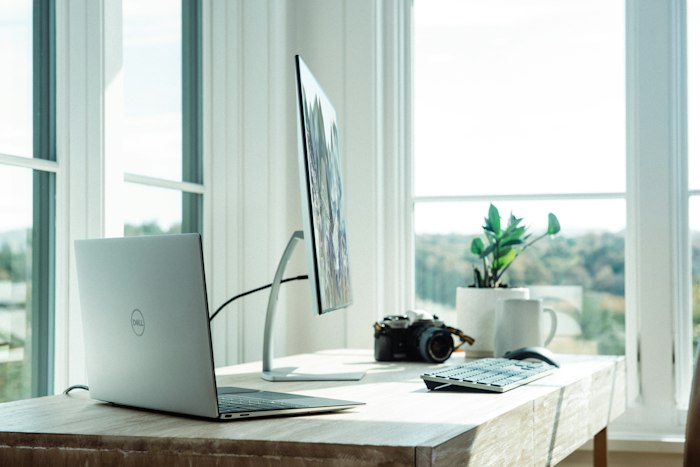 Laptop screen replacement — same day service
 Motherboard & component-level repair
b) Laptop Not Charging
- Faulty power adapter / charger — the most common cause; we test your charger and replace if needed
- Damaged charging port — the DC jack on the laptop has broken or become loose; we replace or re-solder the port
- Dead battery — battery no longer holds charge and needs replacement; we stock batteries for all major brands
- Faulty charging circuit on motherboard — requires component-level diagnosis and soldering repair
- Power management software issue — sometimes a BIOS reset or driver update resolves charging detection problems
c) Laptop Won't Turn On
- Dead battery — no power at all — connect to charger and wait 10 minutes before trying again
- Failed power button — button or its circuit has failed; repair or replace
- Motherboard fault — most serious cause; requires diagnostic testing and component-level repair
- RAM failure — reseat or replace RAM sticks; laptop won't post if RAM has failed
- Corrupted BIOS — laptop powers up but screen stays black; requires BIOS reflash
d) Laptop Overheating & Shutting Down
Nairobi's warm climate combined with poor laptop ventilation makes overheating one of the most common issues we see. Left unchecked, it causes permanent motherboard damage.
- Clogged cooling fan and heatsink — dust blocks airflow; deep clean and re-apply thermal paste
- Failing or dead cooling fan — fan not spinning or spinning slowly; replace fan
- Dried-out thermal paste — the paste between CPU and heatsink dries out after 2–3 years; replace thermal paste
- Blocked ventilation slots — using on soft surfaces blocks the vents; clean vents and advise client on usage
e) Very Slow Performance
- Virus or malware infection — malicious software consuming CPU and RAM; full scan, removal, and cleanup
- Too many startup programmes — software loading at boot slows the system; we optimise startup and remove junk software
- Hard drive nearly full or failing — HDD with bad sectors causes severe slowdowns; upgrade to SSD for dramatic improvement
- Insufficient RAM — 4GB RAM is no longer sufficient for modern Windows; we upgrade RAM to 8GB or 16GB
- Old HDD — upgrade to SSD — replacing a spinning hard drive with an SSD is the single biggest performance upgrade available; boot time goes from 2+ minutes to under 20 seconds
f) Water Damage
Spilling liquid on a laptop is urgent — the faster you act, the higher the chance of full recovery.
- Immediately power off — do not try to turn it on; remove battery if possible
- Do not dry with a hairdryer — heat pushes moisture deeper into components
- Bring it to us within 24 hours — we disassemble, clean with isopropyl alcohol, dry under controlled heat, and test each component
- Keyboards are usually replaced after water damage — we stock replacement keyboards for all major laptop brands
3. Common Desktop Computer Faults We Fix in Nairobi
| Fault | Likely Cause | Fix |
|---|---|---|
| Desktop won't turn on | Dead power supply unit (PSU) | Test PSU with multimeter, replace with correct wattage unit |
| No display on monitor | GPU failure, loose cable, or monitor fault | Test with second monitor; reseat or replace GPU; check display cable |
| Random shutdowns / restarts | Overheating CPU, failing PSU, or RAM errors | Clean heatsink and fans; replace thermal paste; test RAM with MemTest86 |
| Blue screen (BSOD) | Driver conflict, RAM failure, or corrupted OS files | Read error code; update/reinstall drivers; run RAM test; repair OS |
| Extremely slow | Failing HDD with bad sectors, virus, or low RAM | Run HDD health check; virus scan; upgrade to SSD; add RAM |
| No sound | Driver fault, failed audio card, or speaker issue | Reinstall audio drivers; test with headphones; replace audio card if needed |
| Can't connect to internet | Network card driver, faulty NIC, or router settings | Reinstall network drivers; replace NIC; check router and cable |
 Desktop hardware diagnosis — PSU, RAM, GPU and motherboard testing
 RAM & SSD upgrades available
4. IT Services We Offer in Nairobi
Beyond hardware repair, we offer a full range of IT support services for homes and businesses across Nairobi.
5. Laptop & Desktop Brands We Repair in Nairobi
We repair all computer brands sold in Kenya. Our technicians are experienced with Windows, macOS, and Linux systems.
| Brand | Common Fault in Nairobi | Our Approach |
|---|---|---|
| HP | Charging port failure; motherboard GPU soldering issues on older Envy/ProBook models | DC jack replacement; BGA reball or reflow for GPU faults ✓ Most common Nairobi laptop brand — parts stocked |
| Dell | Battery swelling; screen hinge damage; thermal throttling on Inspiron models | Battery replacement; hinge repair; cooling system service ✓ Dell parts widely available in Nairobi |
| Lenovo | Keyboard flex cable tears; USB-C charging faults on ThinkPads; screen hinges break | Keyboard cable replacement; USB-C board repair; hinge replacement ✓ ThinkPad specialist repair available |
| Asus · Acer | Overheating due to dust in cooling fans; charging IC chip failures | Full thermal service; component-level charging IC replacement ✓ Same-day service available |
| Apple MacBook | Liquid damage; keyboard butterfly mechanism failures; T2 chip security faults | Board-level liquid damage repair; keyboard replacement; Apple-compatible diagnostics ✓ MacBook specialist repair — honest pricing |
6. Our Computer Diagnostic Process
We follow a structured process that finds the root cause quickly — no unnecessary parts replaced, no guesswork.
- Initial AssessmentDiscuss the symptoms, when the fault started, and any recent events (drops, spills, updates, power cuts).
- Visual InspectionCheck for physical damage, burnt components, cracked ports, swollen battery, or signs of water ingress.
- Boot & POST TestAttempt to power on and observe behaviour — does it POST, show error codes, or remain completely dead?
- Hardware Component TestingTest RAM, hard drive health (S.M.A.R.T. scan), battery, charging circuit, and GPU using specialist tools.
- Software & OS DiagnosisCheck for OS errors, virus infections, driver conflicts, and startup issues where relevant.
- Thermal AssessmentCheck CPU and GPU temperatures. Clean cooling system and replace thermal paste if overheating detected.
- Quote & ConfirmWe give a clear, honest quote before starting any repair. No work begins without your approval.
- Repair & TestPerform repair, then run full functionality tests — boot, performance, connectivity, display, and battery.
7. Data Recovery in Nairobi
Lost files, a dead hard drive, or a laptop that won't turn on doesn't mean your data is gone. Quelle Technologies provides data recovery services across Nairobi for all storage types.
 Hard drive and SSD data recovery
 External drives and flash disk recovery
We recover data from:
- Dead or clicking hard drives — HDD with mechanical failure or bad sectors
- Failed or unrecognised SSDs — solid state drives that are no longer detected
- Accidentally deleted or formatted drives — files deleted or drive wiped unintentionally
- Water-damaged computers — storage devices recovered after liquid damage
- Corrupted drives — drives showing as RAW, unformatted, or inaccessible
- USB flash disks and memory cards — all sizes and formats
8. Tips to Keep Your Computer Healthy
- Use a surge protector or UPS. Kenya's power outages and surges are the leading cause of sudden hard drive failure and motherboard damage. A UPS keeps your computer on safely during blackouts and protects against surges.
- Clean your laptop vents every 6 months. Nairobi's dust clogs cooling fans and heatsinks fast. A clogged cooler leads to overheating and permanent CPU damage.
- Back up your data weekly. Use an external hard drive or Google Drive. Data loss from a failed hard drive is entirely preventable with regular backups.
- Install and update your antivirus. Pirated software and USB drives from multiple sources are the primary malware vectors in Nairobi. Keep antivirus active and updated.
- Upgrade to an SSD. If your laptop or desktop still has a spinning hard drive, an SSD upgrade is the single best thing you can do for performance and reliability.
- Don't use on soft surfaces. Using a laptop on a bed or sofa blocks the bottom vents completely. Use on a hard flat surface or a laptop stand.
- Shut down properly. Avoid holding the power button to force off. Improper shutdowns corrupt the file system and cause data loss over time.
- Keep Windows and drivers updated. Security updates patch vulnerabilities that ransomware and viruses exploit. Enable automatic updates.
 SSD upgrade — faster boot, better performance
 Virus & malware removal
 UPS protects from power cuts & surges
9. Frequently Asked Questions
All brands — HP, Dell, Lenovo, Asus, Acer, Apple MacBook, Samsung, Toshiba, MSI, Huawei MateBook, LG Gram, Microsoft Surface, Fujitsu, Sony VAIO, Razer, and all custom-built desktops.
Yes for most models. We stock screens for HP, Dell, Lenovo, Asus, and Acer. For less common models we source the screen and usually complete the repair within 24 hours. Call 0742 245720 with your laptop model.
Yes. We recover data from dead, clicking, or water-damaged hard drives and SSDs. Stop using the drive immediately and call 0742 245720 — the sooner you bring it in, the higher the chance of full recovery.
Cost depends on the fault. Screen replacements, virus removal, RAM upgrades, and OS reinstallation are all very affordable. We always give a clear honest quote before starting — no hidden charges. Call 0742 245720 for a free phone diagnosis.
Yes. We offer on-site laptop and desktop repair at your home or office across Nairobi and nearby areas. Available 24 hours. We also offer IT support contracts for businesses and schools.
Often yes — especially with an SSD upgrade and RAM boost. A 5-year-old laptop with an SSD upgrade runs faster than a new budget laptop with a spinning hard drive. We give honest advice. If it's not worth repairing, we'll tell you.
Yes. We repair MacBook Air and MacBook Pro — screen replacement, battery replacement, keyboard replacement, liquid damage repair, and component-level motherboard repair. We use Apple-compatible diagnostics and quality parts.